





The ultimate practical guide to working remotely comfortably, efficiently and affordably from your favorite destination.
You've just arrived at your favorite seaside haven of calm, the coffee is ready and you open your laptop on the terrace with the endless blue as your backdrop. The first work call of the week begins, but by the second minute your video freezes, the sound cuts out, and the sun makes your screen completely invisible.
A workation at the holiday home isn't just a getaway with an open laptop - it's a fundamental change in how a property is used. A house that used to open for two months a year is now in daily use, and almost nothing inside it was set up for that. To turn your private oasis into a functional workspace without mishaps, we've gathered the 5 most practical steps.
1. Choose a room, not the view
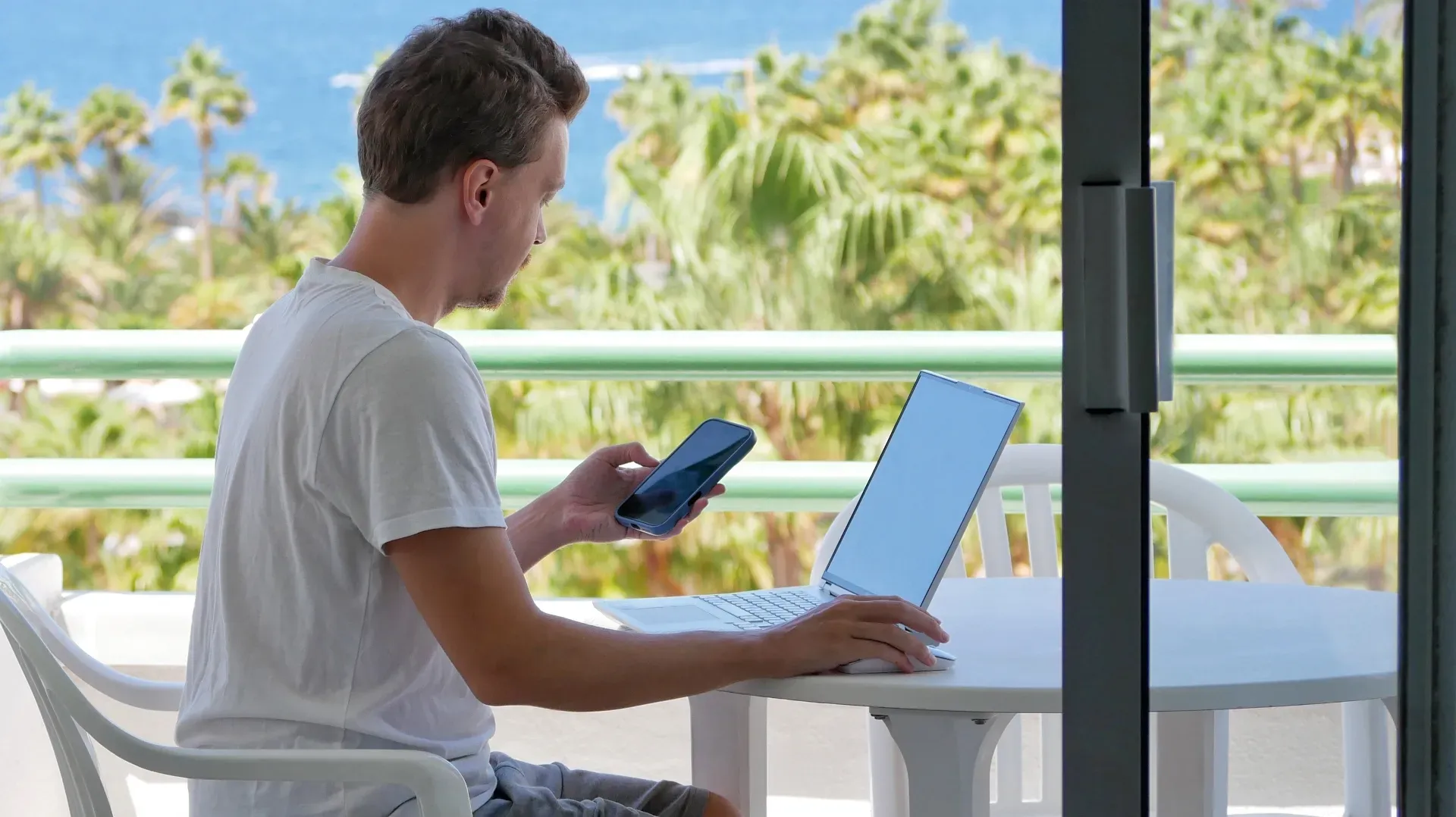
The terrace with a sea view looks like the perfect backdrop for a photo, but in practice it's the worst enemy of productivity. Harsh sun glare tires your eyes, while the buzz of cicadas or a running air conditioner can affect the quality of your calls.
- Lighting: Opt for an interior room with indirect natural light, placing the desk perpendicular to the window.
- Background: Make sure the space behind you is tidy.
- Soundproofing: Close the patio doors during important meetings.
2. Review the running costs of your place
When a holiday home originally intended for short visits during the year turns into an everyday work environment, its energy needs change radically. Running the air conditioner for more than 8 hours, the router working non-stop around the clock, the computer together with other devices, as well as the fridge's constant use, create a completely new consumption pattern.
At holiday homes it's common to keep old energy plans without further review, but that cost will catch up with you after you've returned. So it's worth looking into the property's current plan: an energy supply from nrg tailored to everyday use needs differs significantly from a package chosen just for two months a year. By properly assessing the space's needs, you ensure that comfort while you work won't end in an unexpectedly inflated bill.
3. Test the internet from day one
Download speed is what most people notice, but on a workation the real star is upload speed. If the upload is weak, screen sharing and group calls will become impossible.
- Speed test: Run a check right away via Speedtest to see your connection's real stats.
- Router location: If your desk is far from the router, get a Wi-Fi extender or have your phone ready for a hotspot just in case.
4. The three items that make the difference
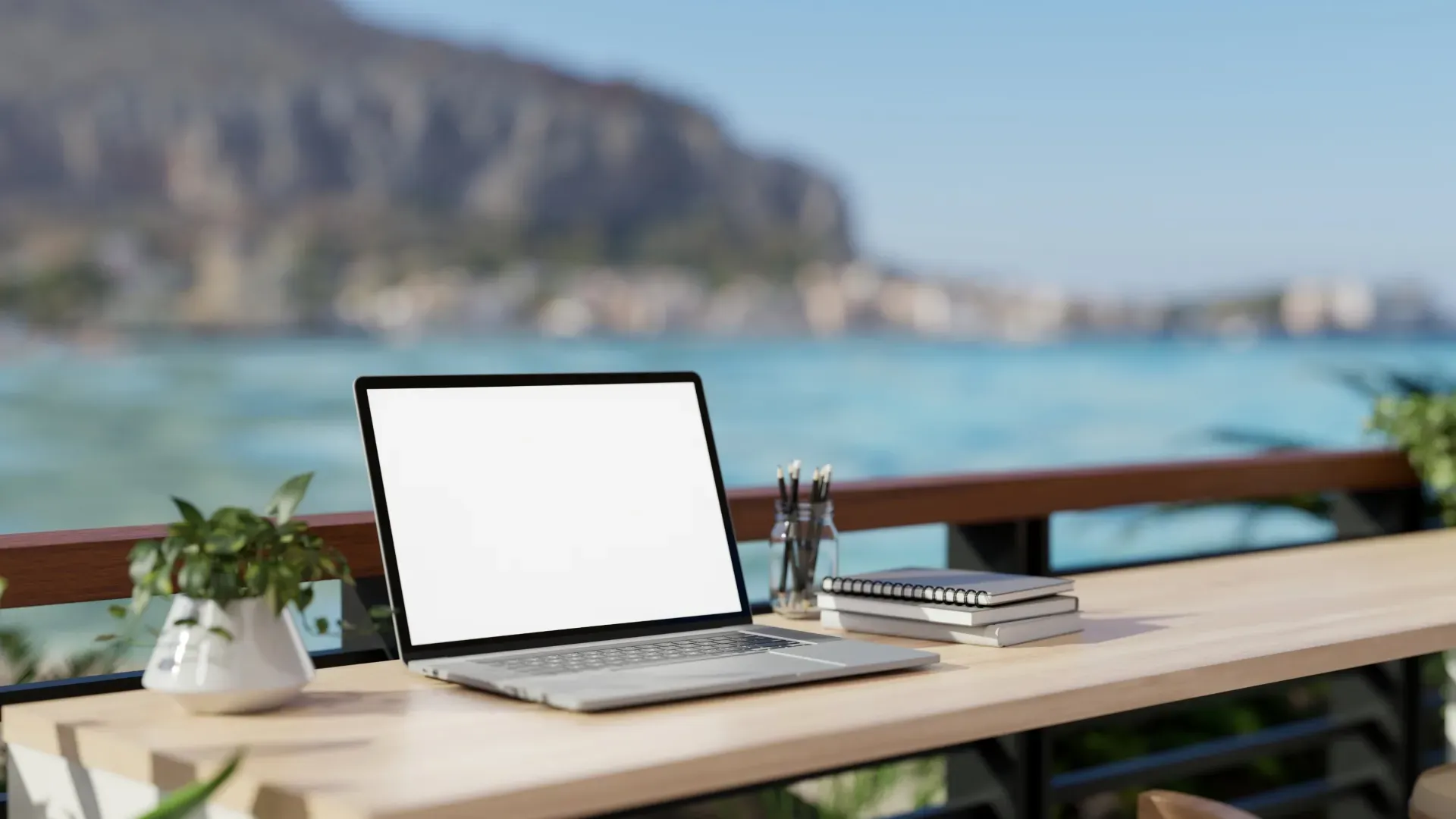
You don't need to pack your entire office setup in your suitcase. Three essentials are enough to guarantee proper ergonomics:
- A power strip with a long cord (at least 3 meters).
- A portable laptop stand to bring the screen to eye level.
- A keyboard and mouse.
Smart Tip: A sturdy dining chair with a cushion at your back relaxes the body far more than a casual garden armchair.
5. Set where the day ends
The biggest risk on a workation isn't slacking off, but not mentally disconnecting from your job. When your workspace overlaps with your holiday space, boundaries easily blur.
That's why you should set a specific time to close your laptop for good. A space like the terrace should remain the place for afternoon relaxation and not your office after 7 in the evening. That way you'll feel the work cycle has closed and the holiday cycle has begun again!